
Complete Control.
Trusted Access.
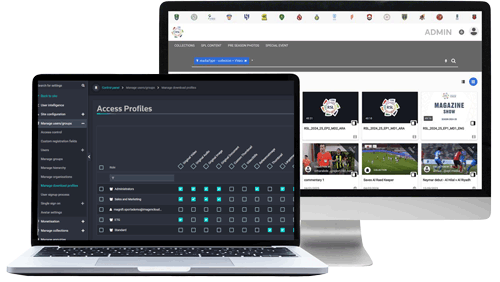
Control who can see, use, and share your content. Every asset, workflow & action. Granular, role-based permissions that give you complete control over who can access, use and distribute your content at scale.

Granular control
at every level
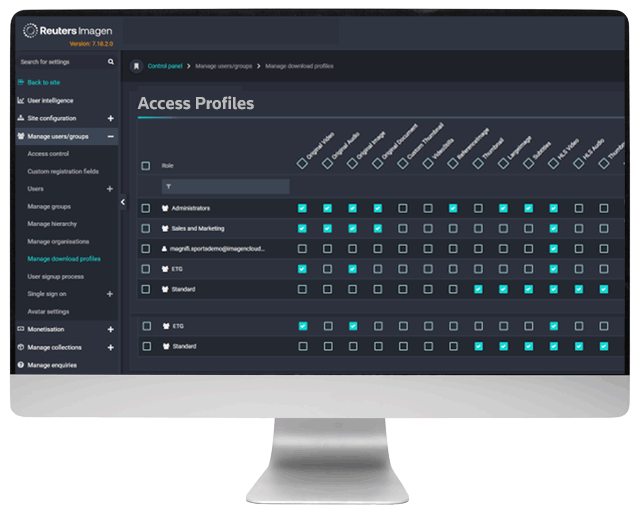
Define permissions by user, group, organisation or role. Across assets, collections, workflows and platform functions.

Rights-ready
access

enterprise
sign-in
Connect SSO and corporate identity providers, so users can sign in securely using existing credentials.

Automated
user provisioning
Map users to roles and groups automatically using organisational attributes, reducing manual admin and keeping governance consistent.

Custom
access experiences
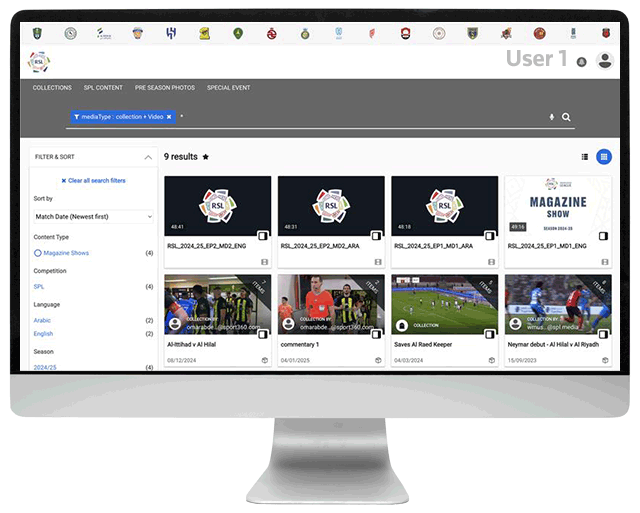
Tailor the platform experience by user type, from internal teams to external rights holders, based on their permissions.

Audit and
accountability
Track and export access and downloads, supporting compliance, reporting and operational transparency.
how it works
Permissions are applied instantly across the platform, ensuring secure, consistent access without delay.

1. Define your access model
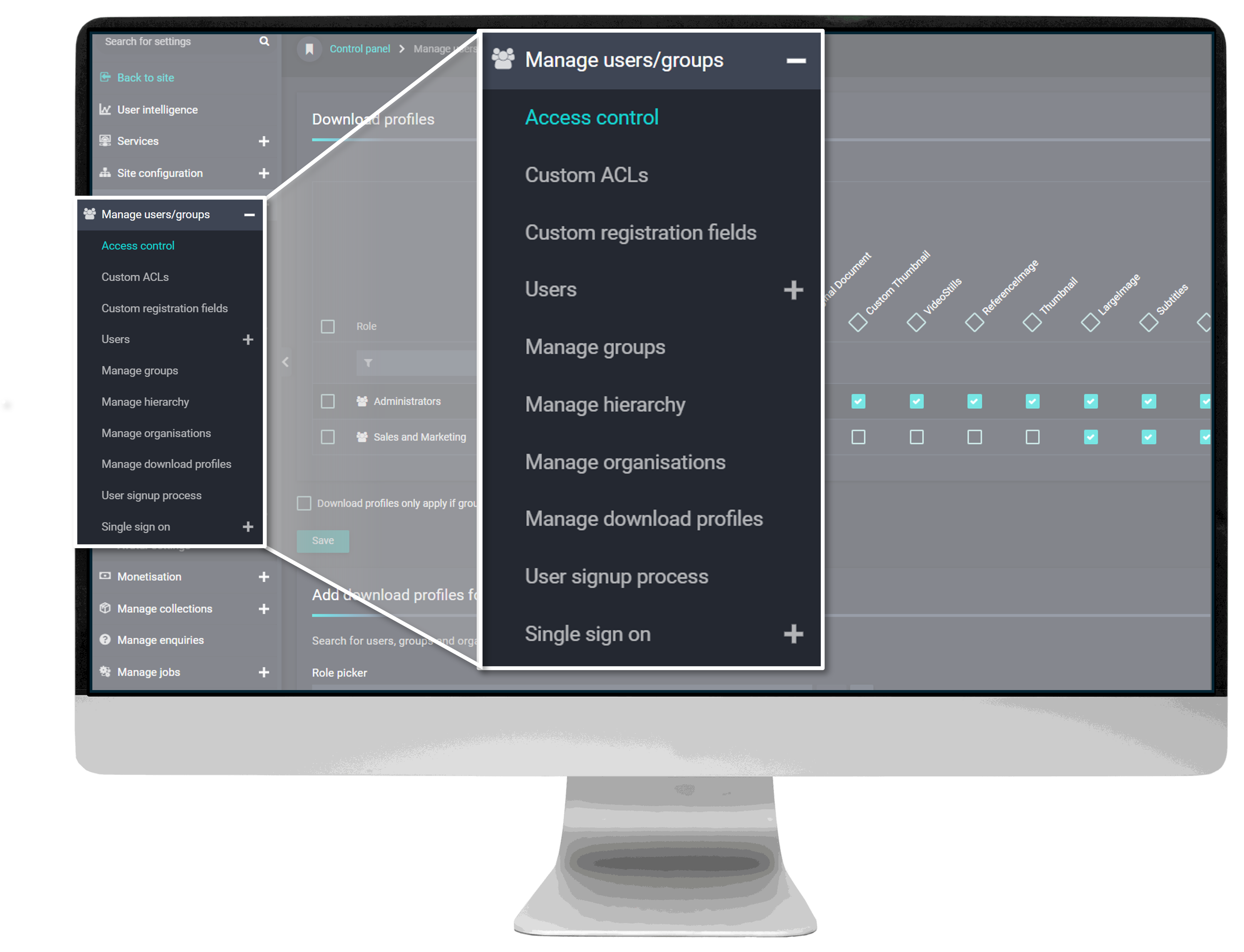
Set up roles, groups and permission structures aligned to your organisation and rights framework.
2. Assign users automatically or manually
Place users into the right groups via registration rules, SSO mapping or administrator control.
3. Control access at asset level
Apply access control lists (ACLs) to individual media assets, collections or workflows — defining exactly what users can do.
4. Enforce access dynamically
Permissions are applied instantly across the platform, ensuring secure, consistent access at all times.
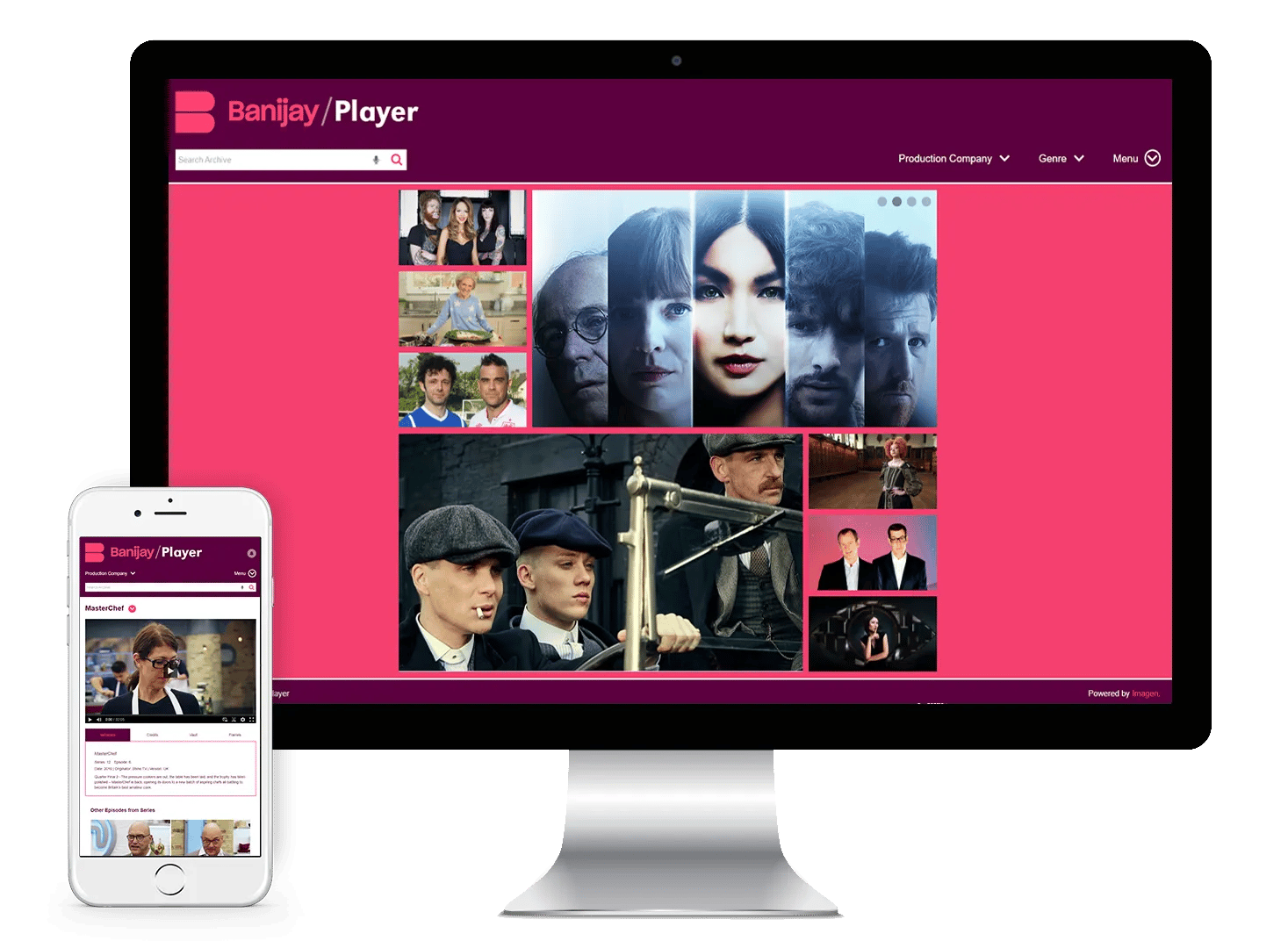
Trusted to Govern High-Value Content
We’re trusted by organisations including Premier League, World Aquatics, INDYCAR and Banijay to control access across broadcasters, partners, rights holders and internal teams.
-
68M+ assets safeguarded
-
180M+ completed workflows
-
$18bn in media rights supported
“The Imagen platform has allowed us to enact a cultural shift within the organisation.” “Now, instead of insecure, fragmented and chaotic management of sensitive assets, we have a single, intuitive platform that has solved our production control challenges.”
Stewart Carter, Digital Asset Manager of Banijay.
Enterprise-grade security, built for high-value content:
-
Granular role-based access control (RBAC) across assets and workflows
-
Secure authentication via SSO, MFA and identity providers
-
Encryption in transit and at rest
-
Full audit trails of user activity and access
-
Configurable session controls and account protection
-
Alignment with enterprise security standards and policies designed for sports and media

role-based
permission sets
Define what different users can do across assets and tools - and apply it consistently across teams and partners.

time-bound
access windows
Align access to rights windows and events with start and end dates that enforce expiry automatically.

Secure
external access
Share content with approved external users using controlled access options that protect value and reduce misuse.
ACCESS CONTROL FEATURES
Create permission sets that define exactly what different users can do across content and platform tools.
- Assign permissions by user, group, department or organisation for consistent control at scale.
- Control actions such as view, download, clip, share and admin functions in one place.
- Apply permission sets quickly to onboard partners and internal teams without manual rework.
Bring new users into the platform safely, with registration and approvals that match your governance needs.
- Build custom registration forms to capture the information you need for access decisions.
- Route sign-ups for approval or apply access automatically using rules and group assignment.
- Protect registration from abuse with controls such as reCAPTCHA and account safeguards.
Set access windows so content is available only when it should be, aligned to events, contracts and rights periods.
- Configure start and end dates for access by user or group.
- Automate expiry so permissions are removed without manual clean-up.
- Use time limits for live events, embargoes, and partner entitlements.
Give each user a cleaner experience by showing only the tools, pages and workflows they have access to.
- Reduce clutter by tailoring menus and options by role and permissions.
- Prevent accidental misuse by keeping restricted actions out of view.
- Make it easier for partners to find and use what they are entitled to.





.jpg?width=290&name=AdobeStock_1916345995%20(1).jpg)
CASE STUDIES
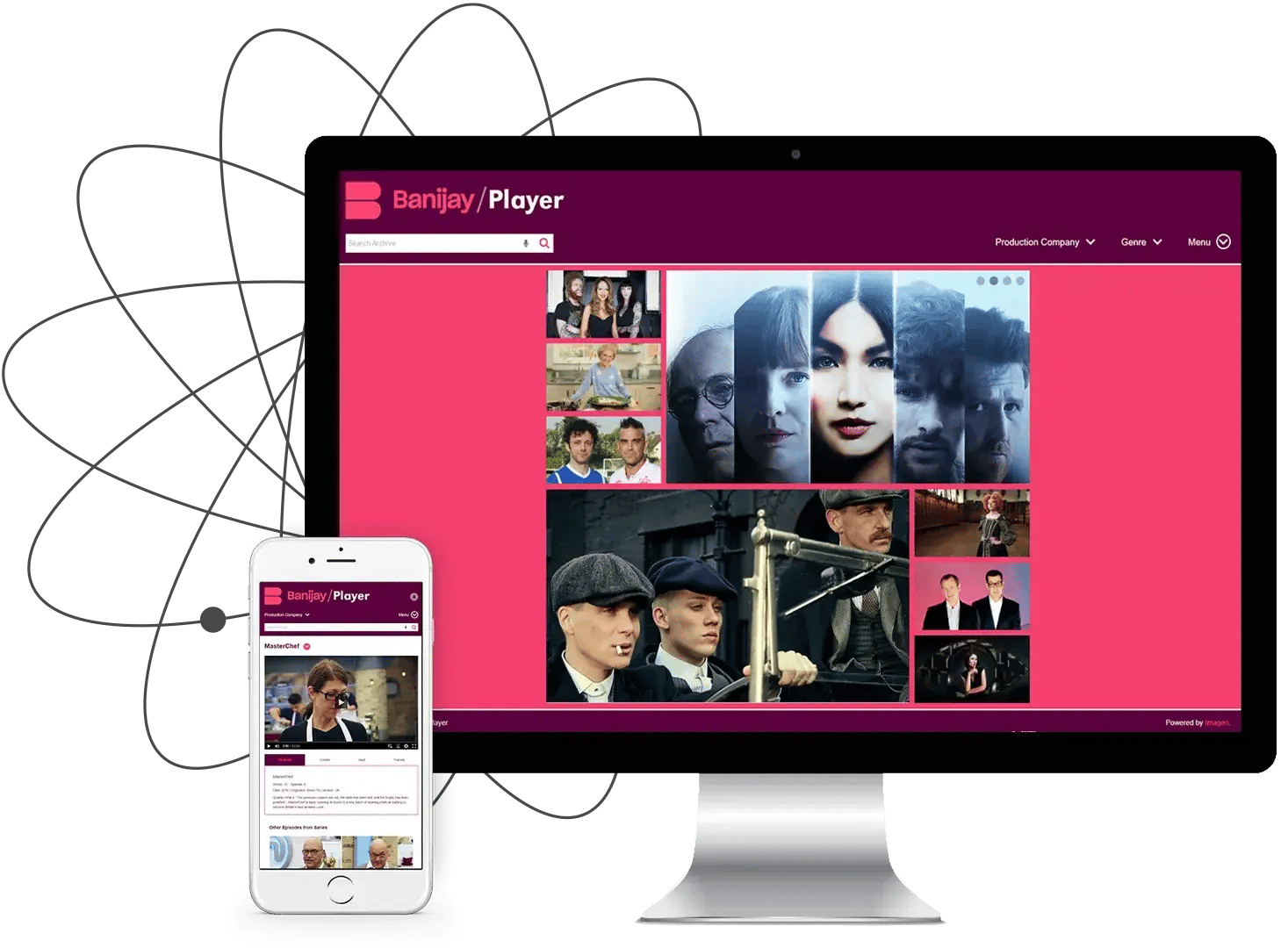
Case Study Guide
From securely managing sensitive media to delivering broadcast-quality sports coverage around the world, Imagen is as varied and flexible as our customers need it to be. Here’s how a few of them use Imagen to unlock value from their video.
“Imagen provides a glossy, fully searchable and easy-to-use system.”
Mark Cotterel, Head of IT, Banijay
See the Imagen platform in action
Our in-house experts will walk you through everything you need to know based on your needs.